
GENERAL
From Webinar Recordings to Social Clips with Video Cutter AI

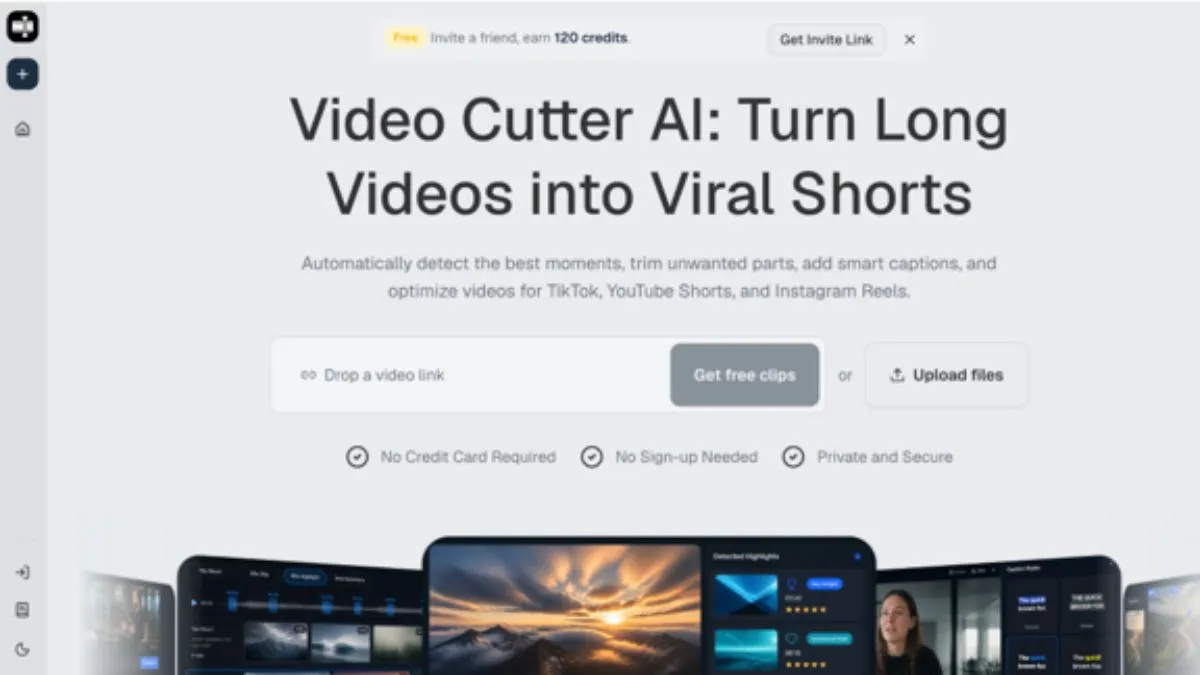
Webinars are often packed with useful material, but they rarely feel ready for social feeds in their original form. The pacing is slower, the setup is longer, and the best moments may be buried between slides, Q&A, product explanations, and housekeeping. After using Video Cutter AI as part of a webinar repurposing workflow, I found that the strongest value is turning a long business recording into a shortlist of clips that can be reviewed, tightened, and matched to specific audience questions.
Table of Contents
Why Webinar Clips Need Extra Context
Video Cutter AI can help identify candidate clips, but webinar content still needs careful editorial review because it often depends on prior setup. A product demo may reference a slide from five minutes earlier. A speaker may answer a question that is not visible in the clip. A statistic may need the surrounding explanation to avoid sounding unsupported.
This is why webinar repurposing should begin with context mapping. Before choosing clips, identify the webinar’s main sections: opening promise, problem framing, product demo, proof points, objections, Q&A, and final call to action. Each section can produce different kinds of social assets.
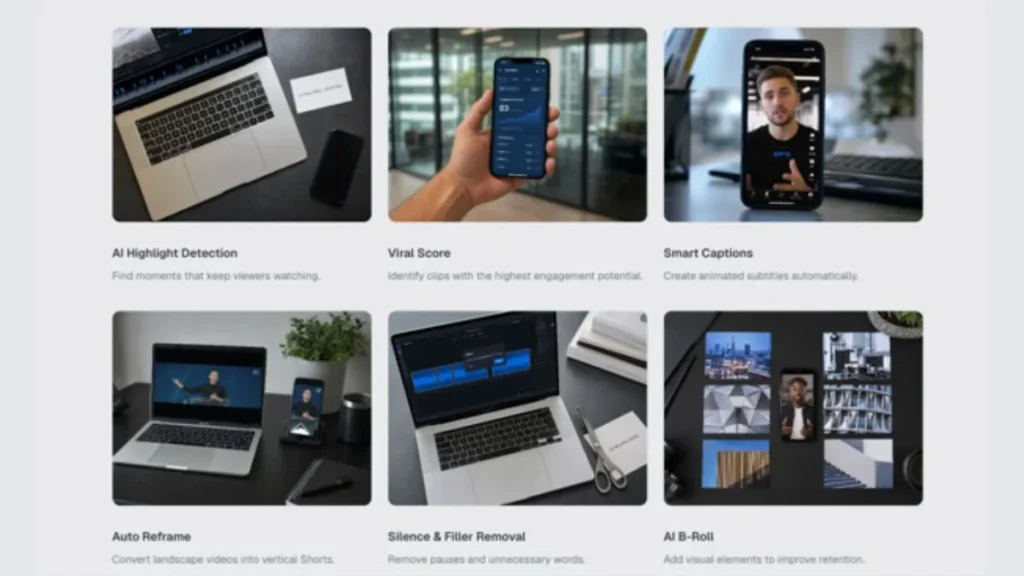
The Clip Types Worth Looking For
The most useful webinar clips usually fall into four groups. Demo clips show a specific product action. Objection clips answer a common buyer concern. Teaser clips create interest in the full replay. FAQ clips turn audience questions into reusable educational content.
These categories prevent random clipping. Instead of publishing whatever sounds lively, the editor can choose clips that support a clear distribution goal.
Turning Slow Sections into Usable Shorts
Webinars often include slow lead-ins. Speakers greet attendees, introduce themselves, explain the agenda, and transition between slides. Those moments are useful live, but they usually weaken short-form clips. The edit should start as close as possible to the useful idea.
For example, a demo clip should not begin with “Let me move to the next slide.” It should begin with the action or the problem the action solves. An objection clip should not begin with a vague transition. It should begin with the customer concern or the speaker’s direct answer.
What I Still Check Manually
I always check whether the clip needs a visible question, a short setup, or a cleaner first line. Webinar answers can sound incomplete if the original attendee question is missing. In some cases, the best edit starts a few seconds earlier than the AI-selected moment because the setup gives the answer meaning.
I also check whether the speaker makes claims that need qualification. B2B clips can travel beyond the original webinar audience, so product promises, numbers, and customer examples should be clear and accurate.
Captions, Slides, and Vertical Formatting
Webinar clips often include slide text, charts, screenshots, or product interfaces. These elements can become unreadable when squeezed into vertical video. If the clip relies on a slide, the editor should check whether the text is large enough on a phone.
Captions should support the speaker without covering important visuals. If a product interface is being shown, captions may need to sit higher or lower depending on where the action occurs. For talking-head sections, captions should avoid covering the mouth and lower face.
The visual hierarchy should be simple. The viewer needs to know where to look: speaker, slide, product action, or caption. If all four compete at once, the clip becomes harder to process.
Matching Clips to the Buyer Journey
Webinar repurposing works best when each clip has a job. Top-of-funnel clips can focus on a problem or market shift. Middle-of-funnel clips can explain a framework, checklist, or process. Bottom-of-funnel clips can address objections, show product proof, or answer implementation questions.
This structure also helps teams brief editors. Instead of asking for “ten clips,” a marketing team can ask for two teaser clips, three objection clips, two demo clips, and three educational clips. The output becomes easier to review and easier to distribute.
After publishing, performance should be reviewed by category. A demo clip may drive fewer views but more qualified clicks. A teaser clip may reach more people but produce less intent. Both can be useful if the team knows what each clip is supposed to do.
Conclusion
The biggest webinar repurposing mistake is cutting moments that sound useful but lack the question, slide, or setup needed to understand them. Editors should also avoid shrinking complex slides until they become unreadable and should proofread captions for product names, customer terms, and numbers. Strong webinar clips are not just shorter; they are clearer.
Video Cutter AI has successfully bridged the gap between long webinar recordings and practical social clip production, helping teams find candidate moments faster while preserving the need for human review around context, claims, captions, and platform fit.
Try Video Cutter AI.


Aura Farming: The Viral Slang Shaping Digital Identity

SoSoActive: Lifestyle & Culture for Millennials & Gen Z

Prasarita Padottanasana: How to Do It Correctly

From Webinar Recordings to Social Clips with Video Cutter AI

A Little Room to Breathe: Making Quieter AI Videos with Wan 3.0

Kouskousi: How Traditional Couscous Is Made and Served

When Should You Consider Lower Eyelid Surgery?

What to Look for When Choosing a Memory Care Community

Best IPTV Australia Services in 2026: A Comprehensive Review

Ashtanga Vs Vinyasa Yoga? Which One Should You Choose?

What Is Enhydro? Exploring Water-Filled Fossilized Amber

Unlocking Mamgatoto: The Cultural Phenomenon Shaping Communities Worldwide

DeviceURL in VEX Robotics: Node.js Communication Explained

Navigator Pear: Ornamental Tree Size, Fruit & Care

PeopleTools ATT: The Complete Guide to Oracle’s Application Technology Tools
-
 GENERAL1 year ago
Christofle – For Those Who Dream of Family Heirloom Silver
-
SPORTS2 months ago
Discover the World of Football with Streameast: Watch Your Favorite Leagues and Tournaments
-
HOME IMPROVEMENT2 years ago
Spacious and Stylish 300cm Round Rugs: Elegant and Modern Designs for a Chic Home Decor
-
GENERAL9 months ago
Uncovering the World of кинокрадко: The Dark Side of Film Piracy