
GENERAL
Social Media Scheduler Guide: Features, Benefits, Best Practices & Tools

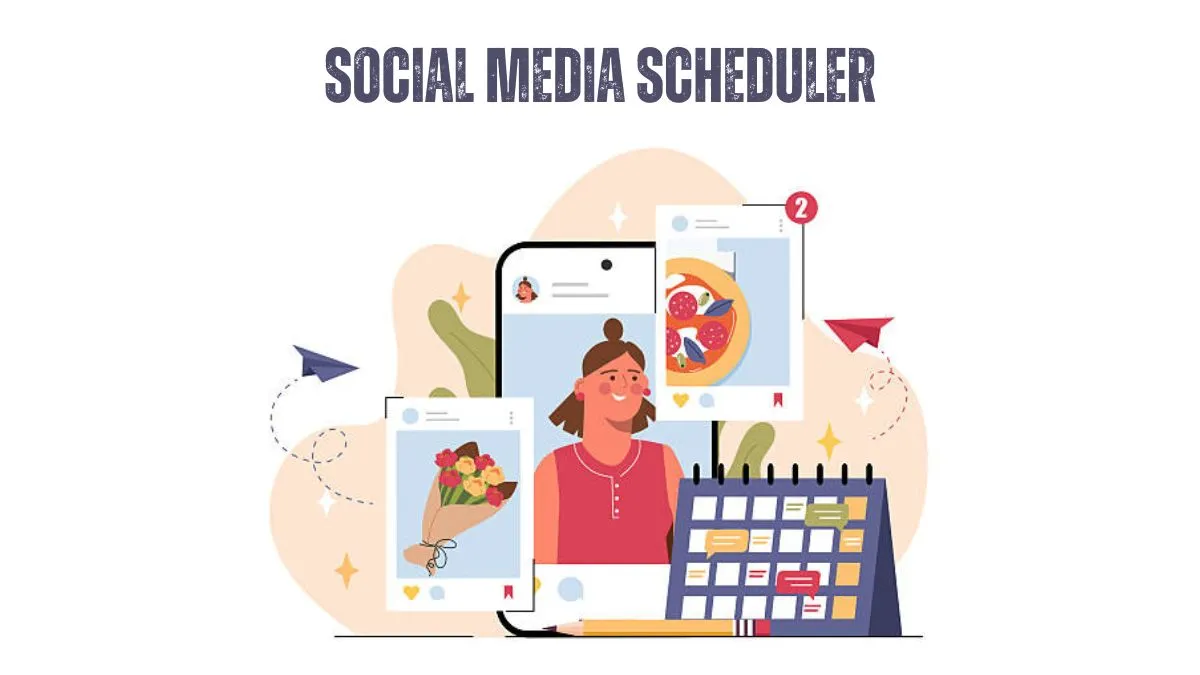
Publishing consistently across multiple social platforms is difficult when every network demands different content formats, peak posting times, and engagement strategies. A social media scheduler solves this operational problem by allowing marketers, businesses, creators, and agencies to plan, organize, and automatically publish Content from a single dashboard. Rather than logging into each platform every day, you create posts in advance, assign publishing dates, and let the software execute the schedule.
Scheduling is not about removing the human element from social media. It is about reducing repetitive work so that more time can be spent creating better Content, responding to followers, analyzing performance, and improving marketing decisions.
Table of Contents
What Is a Social Media Scheduler?
A social media scheduler is software that allows users to prepare social media posts in advance and publish them automatically across platforms such as Facebook, Instagram, LinkedIn, X (formerly Twitter), Pinterest, TikTok, and others.
Instead of manually posting every update, the scheduler stores your Content, media, hashtags, links, and publishing time. At the scheduled time, the platform either publishes automatically via official APIs or sends a reminder when automation is restricted.
Most modern schedulers also include:
- Multi-platform publishing
- Content calendars
- AI-assisted caption writing
- Team collaboration
- Analytics and reporting
- Media libraries
- Approval workflows
- URL tracking
- Bulk scheduling
The best platforms have evolved from simple publishing tools into complete social media management systems.
How Does a Social Media Scheduler Work?
The scheduling process appears simple on the surface, but several systems operate behind the scenes.
First, you connect your social media accounts using each platform’s official authorization process. The scheduler receives permission to publish Content without storing your passwords.
Next, you create a post that includes text, images, videos, hashtags, links, or documents. Many schedulers automatically optimize media dimensions for each network because the same image rarely displays well everywhere.
Finally, you choose a publishing date and time. When that moment arrives, the scheduler communicates with the platform’s API to automatically publish the Content. If a platform limits automation for certain content types, such as some Instagram Stories or TikTok features, the scheduler may instead send a mobile notification prompting manual completion.
This API-based approach is why reputable schedulers comply with platform policies and reduce the security risks associated with unofficial automation tools.
Why Businesses Use Social Media Scheduling
Consistency influences audience expectations and algorithmic visibility. Brands that disappear for weeks often experience declining engagement because followers stop interacting and algorithms receive fewer positive engagement signals.
Scheduling helps organizations maintain consistency by allowing marketing teams to prepare weeks or months of Content during focused planning sessions.
Beyond consistency, scheduling provides operational advantages:
| Benefit | Why It Matters |
| Time efficiency | Batch creation reduces daily interruptions. |
| Better planning | Campaigns align with product launches, holidays, and promotions. |
| Fewer publishing errors | Content can be reviewed before it goes live. |
| Team collaboration | Designers, copywriters, and managers work from one workflow. |
| Cross-platform management | Multiple accounts can be managed from a single dashboard. |
| Performance analysis | Reports reveal which content types generate the strongest engagement. |
One overlooked advantage is workload balancing. Marketing teams often produce better Content when they dedicate separate sessions to strategy, content creation, editing, and publishing, rather than constantly switching between tasks.
When You Should Not Schedule Posts
Scheduling is powerful, but not every post belongs on autopilot.
Real-time events require human judgment. Scheduled promotional posts during natural disasters, political crises, or company emergencies can appear insensitive because automation continues unless someone intervenes.
Similarly, highly interactive Content performs better when someone is available to respond immediately after publishing.
Examples include:
- Live product launches
- Breaking industry news
- Customer support announcements
- Q&A sessions
- Live events
- Crisis communications
Experienced marketers maintain a content calendar while leaving space for spontaneous opportunities that emerge throughout the week.
Features That Actually Matter
Many buyers focus on the longest feature list rather than on features that improve daily workflows.
Prioritize these capabilities:
Visual Content Calendar
A calendar view makes it easier to identify posting gaps, duplicate campaigns, and seasonal imbalances before Content is published.
Platform-Specific Optimization
Professional schedulers allow different captions, hashtags, and image sizes for each network, rather than publishing identical posts everywhere.
Analytics
Publishing without measurement quickly becomes guesswork. Useful analytics should track:
- Reach
- Engagement rate
- Click-through rate
- Follower growth
- Best posting times
- Top-performing Content
- Link performance
Collaboration Tools
Businesses with multiple team members benefit from approval workflows where editors review posts before publication. This reduces compliance issues and protects brand consistency.
Content Library
A searchable media library saves considerable time when reusing logos, brand assets, videos, and evergreen graphics.
Common Mistakes That Reduce Results
Scheduling software does not automatically improve marketing performance. Several mistakes limit its effectiveness.
The first is publishing identical Content across every platform. LinkedIn audiences expect different messaging than Instagram or TikTok users. A post that performs well on one network may receive minimal engagement elsewhere.
Another common mistake is scheduling months of Content without monitoring current events. Automation should support marketing, not replace awareness.
Businesses also tend to ignore analytics once scheduling is complete. Successful marketers review performance regularly and adjust posting frequency, formats, and topics based on evidence rather than assumptions.
Finally, many creators overestimate the value of posting frequency while underestimating the importance of content quality. Five average posts rarely outperform one genuinely useful piece of Content.
How to Choose the Right Social Media Scheduler
Different users require different capabilities. Choosing based solely on popularity often leads to paying for unnecessary features.
Consider these questions before subscribing:
- Which social networks do you actively use?
- How many accounts require management?
- Do multiple people approve Content?
- Do you need advanced analytics?
- Is bulk scheduling important?
- Will you manage client accounts?
- Do you need assistance with AI writing?
- What is your monthly budget?
A freelancer managing two accounts has very different requirements from an agency responsible for fifty brands.
Comparing Popular Social Media Scheduler Types
| Scheduler Type | Best For | Limitations |
| Free scheduler | Individuals and beginners | Limited accounts and analytics |
| Creator-focused tools | Influencers and personal brands | Fewer collaboration features |
| Business platforms | Small and medium businesses | Monthly subscription costs |
| Enterprise solutions | Large organizations | Higher learning curve and pricing |
| Agency platforms | Marketing agencies | Features may exceed solo users’ needs |
FAQs
1. Is a social media scheduler worth using?
Yes, if you publish regularly on multiple platforms. It reduces manual work, improves consistency, supports collaboration, and makes campaign planning significantly easier.
2. Can social media schedulers post automatically?
Most can publish automatically through official platform integrations. Some networks or content formats may still require manual confirmation because of platform restrictions.
3. Does scheduling reduce engagement?
No evidence shows scheduling alone reduces engagement. Engagement depends far more on content quality, audience relevance, timing, and post-publication interaction than on whether a post was scheduled or published manually.
4. Can beginners use a social media scheduler?
Yes. Most platforms provide drag-and-drop calendars, templates, and guided publishing workflows designed for users without technical expertise.
5. How far ahead should I schedule Content?
Many businesses schedule two to four weeks in advance while leaving room for timely updates, industry news, trending topics, and real-time engagement.
6. What is the biggest mistake when using a scheduler?
Treating automation as a replacement for community management. Scheduled posts still require monitoring, responding to comments, and adapting to changing circumstances.


Say Goodbye to Unsightly Concrete Cracks for Good

Everyday Strategies for Better Mental Wellness

Lash Line Enhancement in Raleigh, Answered: 12 Honest Questions Before You Book

How Physical Movement Supports Musculoskeletal Health Through Every Stage of Recovery

Why Hospital-Employed Physician Practices Keep Losing Money

Wearable Air Purifiers: A Closer Look at the Personal Clean-Air Trend

Preparing for Your Child’s First Dental Visit: A Practical Guide for Parents

What to Look for in a Pilates Studio or Instructor

Why Recurrent Cleaning Services Keep Homes Spotless All Year

AI PPT Maker for Teachers: Turn Lesson Notes into Slides That Leave Room to Teach

Chief Technical Examiner: Roles, Rules and Responsibilities

When Should You Visit an Orthopaedic Clinic for a Sports Injury?

How to Choose an E-Bike for a More Active Everyday Lifestyle

What is Chin Mudra? Discover Its Meaning and Health Benefits

Classroom20x: Future of Hybrid Learning Explained
-
 GENERAL1 year ago
Christofle – For Those Who Dream of Family Heirloom Silver
-
GENERAL10 months ago
Uncovering the World of кинокрадко: The Dark Side of Film Piracy
-
SPORTS3 months ago
Discover the World of Football with Streameast: Watch Your Favorite Leagues and Tournaments
-
HOME IMPROVEMENT2 years ago
Spacious and Stylish 300cm Round Rugs: Elegant and Modern Designs for a Chic Home Decor